
Embedded Integration Monitoring and Management Tools
Stop building integration infrastructure

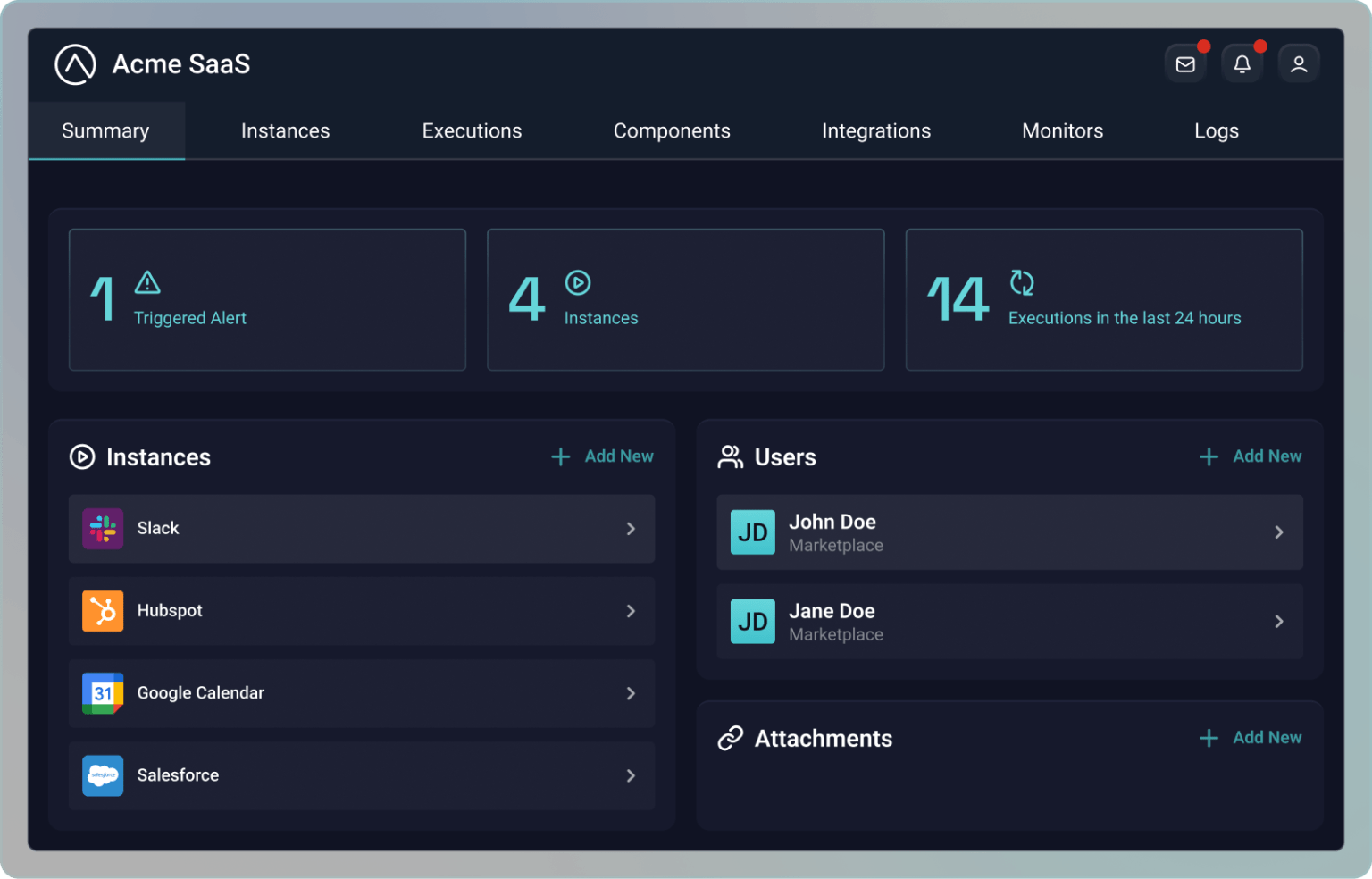
Know the status of every customer's integrations
Fewer issues, faster resolution

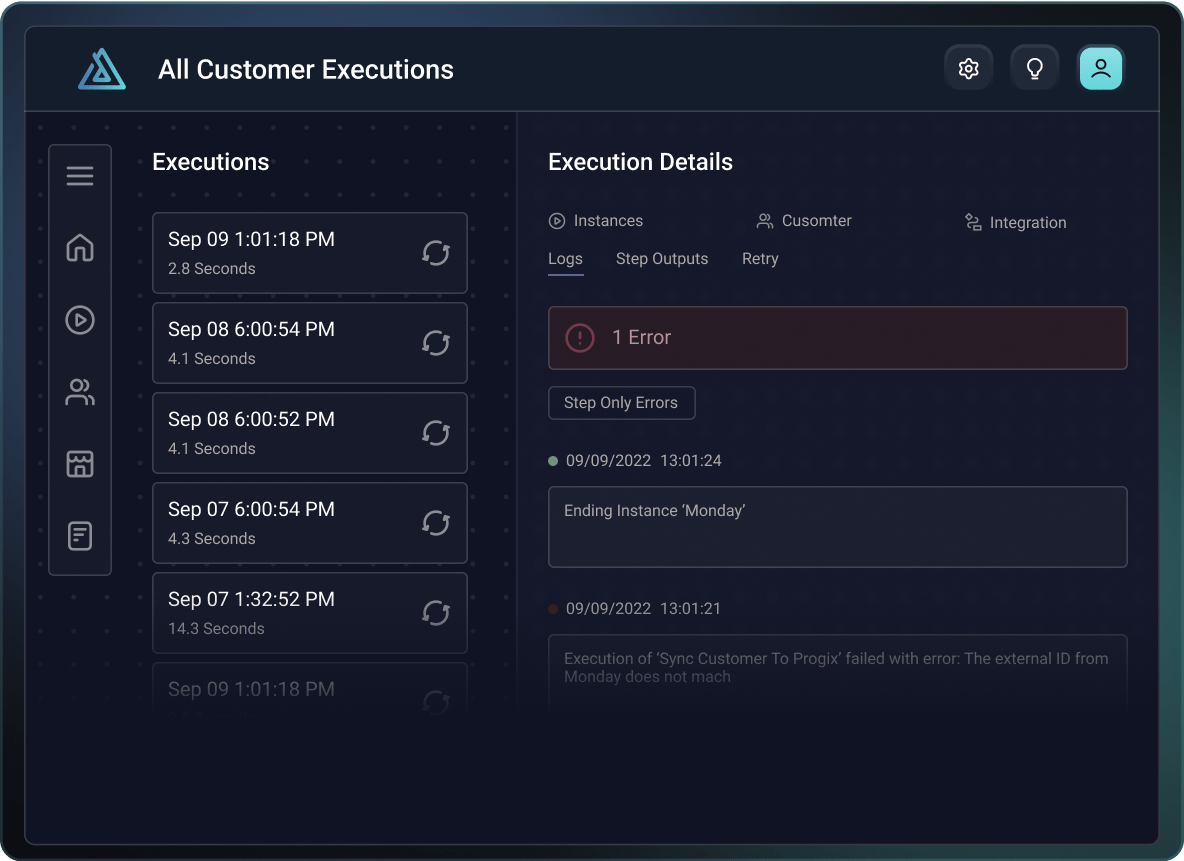
Get notified instantly, troubleshoot fast








Common questions
An integration monitoring tool tracks the health and performance of your integrations in production, alerting you when issues occur so you can address them right away. Without monitoring, you might not know about integration failures until a customer calls, which may be hours after the problem started. Prismatic's monitoring tools provide comprehensive visibility into integration execution across your entire customer base, showing you which integrations are running, which have failed, execution times, and detailed logs for troubleshooting.
You can configure alerts triggered by specific conditions, such as execution failures, elevated error logs, or executions that take longer than expected. These alerts notify the right people on your team via email, SMS, or webhooks to systems like Slack or PagerDuty. This approach prevents constant firefighting, reduces customer frustration, and ensures your support team can identify and resolve issues before they escalate.
Prismatic integrates directly with your existing incident management and logging systems through webhooks and HTTP streaming. For alerting, you can configure alert webhooks to send notifications to PagerDuty, Slack, or any other system with an HTTP-based API. When an alert triggers, Prismatic sends customizable payloads containing information about the alert, instance, and execution to your chosen system.
For log streaming, organizations on enterprise plans can configure Prismatic to send logs to external logging platforms such as DataDog, New Relic, or their proprietary logging system. You specify the endpoint URL, required headers such as API keys, and customize the log message template. This gives you an end-to-end view of all logs in a single location where your team already works, enabling helpful context for monitoring and troubleshooting your entire tech stack.
Yes, Prismatic is built to scale with your business from startup to Fortune 500s. The platform's multi-tenant architecture handles growth automatically – as you add customers, deploy additional integrations, and process millions of executions, Prismatic's infrastructure scales behind the scenes. You build an integration once and deploy it to thousands of customers, each with isolated instances and configurations. Customer-facing teams can deploy and manage integrations without engineering involvement, so adding customers doesn't require proportional increases in support staff.
The embedded marketplace and self-service tools mean customers activate and troubleshoot integrations themselves. As integration volume increases, Prismatic's compute services automatically scale. When APIs change, you update one integration definition, and the change cascades to all customer instances (or just the ones you want). Companies using Prismatic successfully scale from serving dozens to thousands of customers while maintaining a first-class integration UX.
Yes, Prismatic is specifically designed to help teams with limited resources accomplish more. The platform empowers non-technical team members – customer success and technical support – to build, deploy, configure, and manage integrations using the low-code builder and management UI with 190+ pre-built components. This means you don't need an army of developers to deliver integrations. Small teams report saving approximately 95% of engineering time because Prismatic handles all the infrastructure that typically consumes development resources. Authentication, OAuth flows, multi-tenant deployment, monitoring, security, and compliance are all built in.
Your devs focus on building integration logic and custom components when needed, not maintaining infrastructure. Even if you have just one or two developers, or none with integration experience, non-devs can handle the majority of integration work while Prismatic's platform does the heavy lifting. This helps small teams compete with companies that have much larger engineering organizations.