
Enable Customers to Build Workflows

Let customers extend your product themselves

The automations customers ask for depend on how they work, so they rarely make it into your roadmap. With the embedded workflow builder, customers build them inside your product. Requests stop piling up in your backlog, and the workflows they depend on stay in your product.
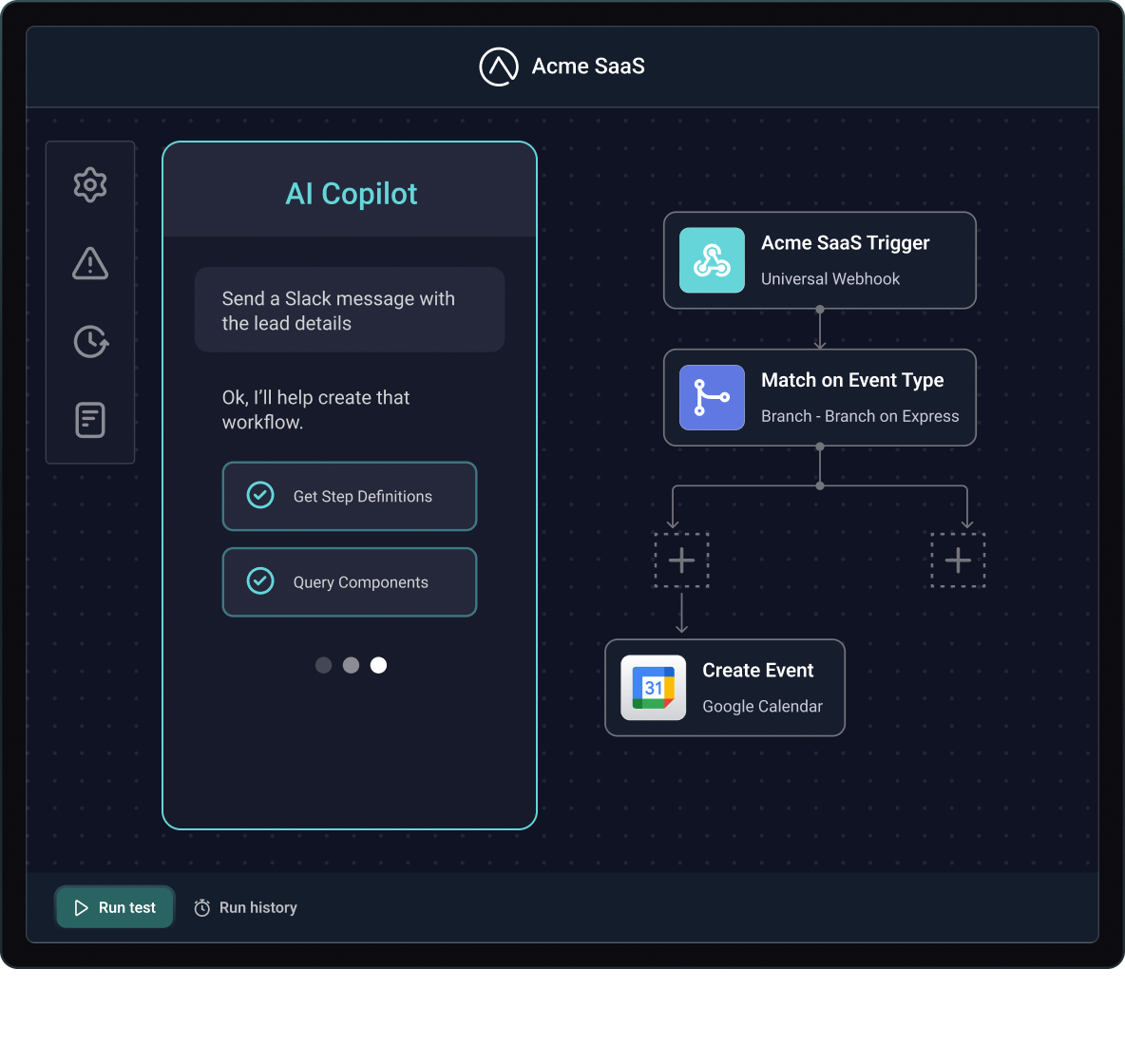
AI Copilot turns a plain-language goal into a workflow using the connectors, triggers, actions, and logic you expose. Customers review the plan, adjust any step, and test it before enabling. It runs inside your product, so less-technical users get started faster.

Workflows start from events in your product, a schedule, or an action in your UI. Ship templates for common jobs, and use workflow contexts to scope the connectors, actions, templates, and triggers for each customer, segment, or use case.
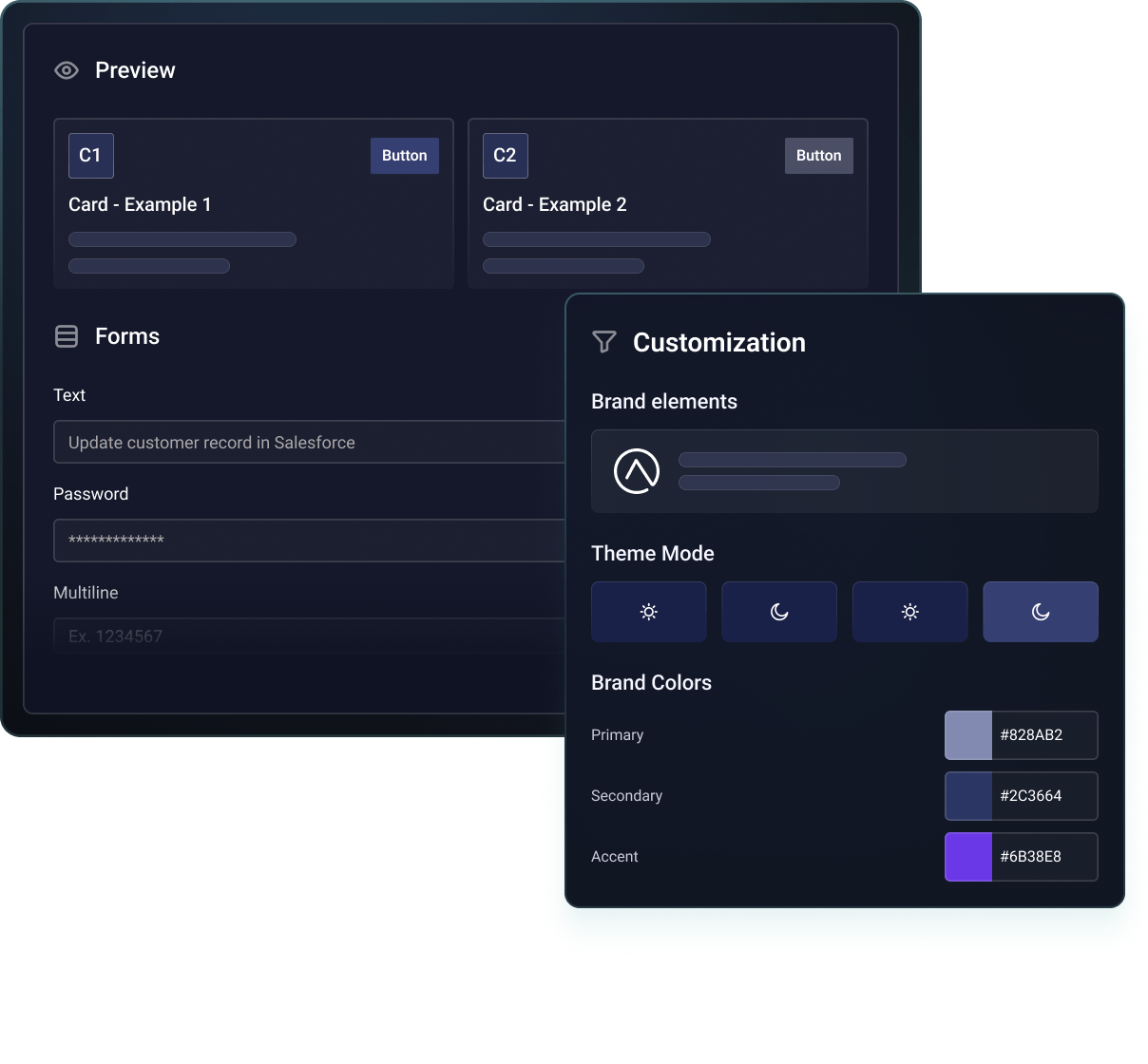
Theming matches the builder to your colors, fonts, and terms. Prismatic supports retries for transient failures, execution logs, and alerting. Customers see their executions and logs in your product where you enable it, and your team monitors customer-built workflows alongside your integrations.
The workflows your customers ask for

Alert and incident routing
Route alerts from your product to Slack, Microsoft Teams, or PagerDuty by type or severity, with branches that decide who hears about what.

Tickets and tasks
Open a Jira issue, ServiceNow incident, or Zendesk ticket when something happens in your product, and fill in the fields each customer's team needs.

Make updates in business systems
Update Salesforce, HubSpot, or Pipedrive when a customer's data changes in your product, mapped to the fields their team tracks.

Scheduled reports and digests
Send a daily digest or weekly export to Google Sheets, or deliver it by email through SendGrid or Gmail, on the schedule each customer sets.
The automation everyone needs, and the one only some customers need
The integration your team ships
Integrations your team builds once, deploys across customer deployments, and lists in your marketplace for customers to activate and configure.
WHY
When most customers ask for the same thing, it belongs in your product. Your team builds it once, and each customer sets it up for their systems.
HOW
Build as code-first or low-code, publish to your marketplace, and let customers activate from there. Templates can also give customer-built workflows a head start.
The workflow only some customers need
A routing rule, a report, a process only some teams run. Customers build it in the embedded workflow builder with the connectors and triggers you expose.
WHY
You can't productize every combination. Customers who can build their own will stop waiting on your roadmap and put more of their work inside your product.
HOW
Enable the builder per customer, offer it as a premium feature if you choose, and let AI Copilot handle the blank canvas. It all runs on the same platform, connectors, and monitoring.
Don't take our word for it







Common questions
A workflow your customer builds inside your product, in a white-labeled builder embedded with Prismatic's SDK. It starts from an event in your product, a schedule, or a request, and runs steps across your product and the systems their team uses. Your team decides which connectors, actions, and triggers are available; the customer decides what to build.